


DropCoder

In this section you will learn how to install DropCoder and format media.

In this section you will learn about the following topics...

Events

01

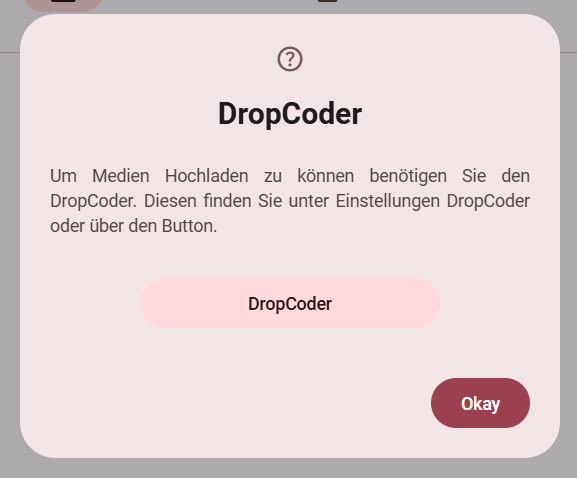
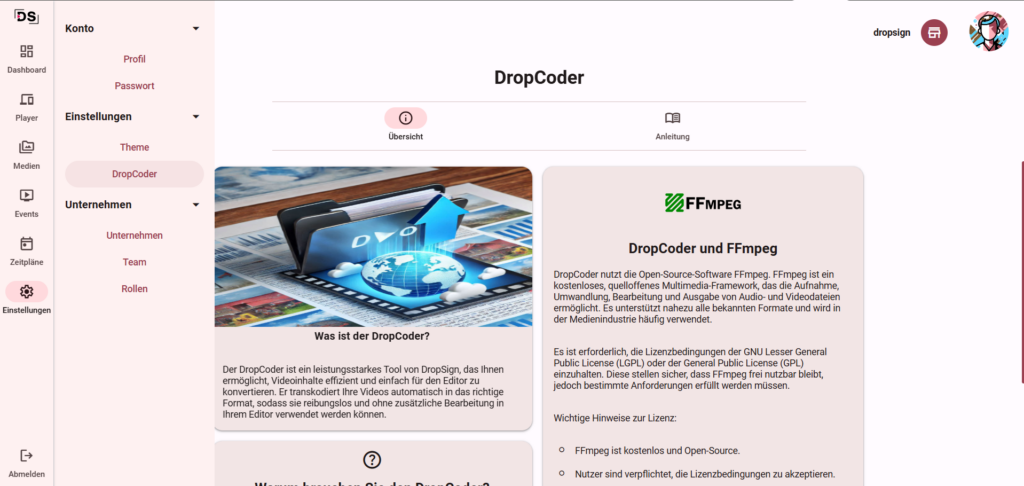
Before you can upload media, first download the DropCoder. You can access the download directly in the Media tab. Alternatively, you can also find the instructions under Settings>DropCoder.

Download DropCoder.

02

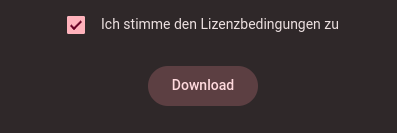
After you have accepted the FFMPEG license terms, the download can begin.

Note: The DropCoder only needs to be activated on one computer in your DropSign network.

Install and activate DropCoder.

01

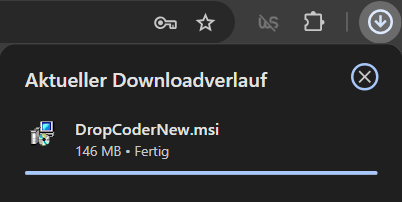
Click the Download button to download the installation file to your PC.

Start download.

02

Open the downloaded file (DropCoderNew.msi) to start the installation.

Execute file.

03

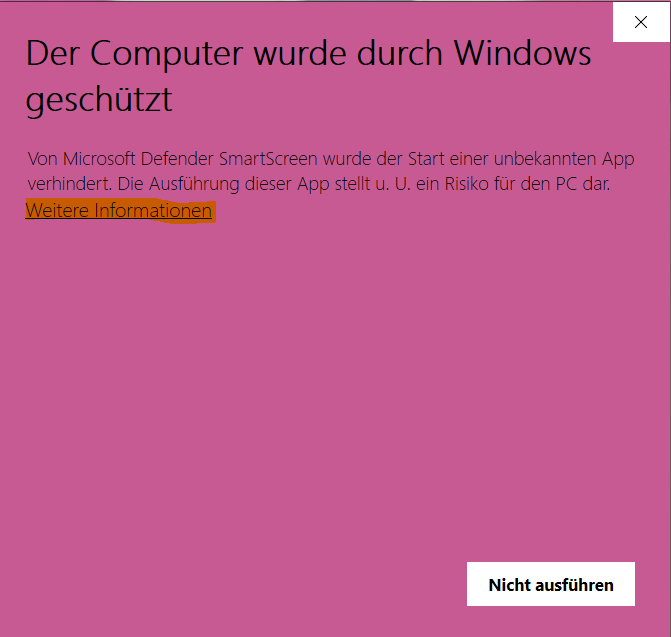
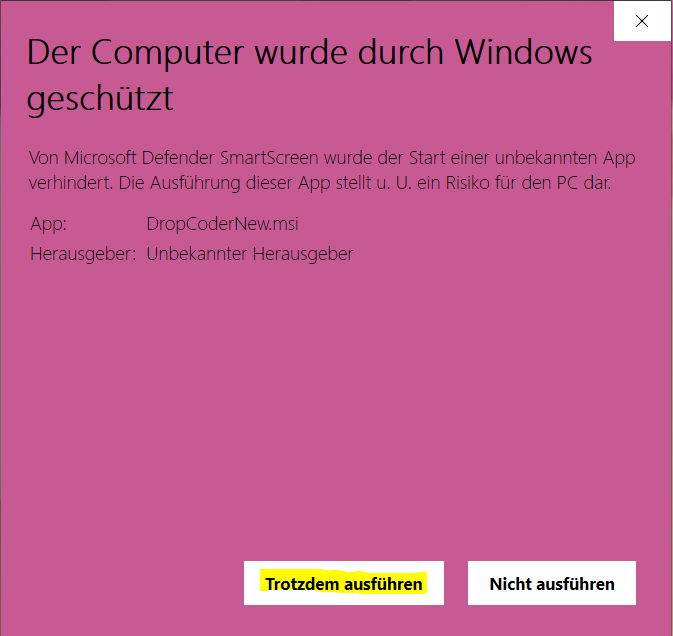
Windows may issue a warning from your antivirus program because DropCoder is a third-party application. This warning is harmless. Select the „Run anyway“ option to continue.

Ignore security warning.

03

After installation is complete, DropCoder will be automatically integrated and ready to use.

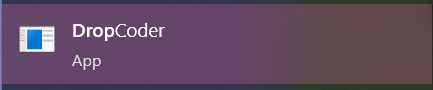
Note: To restart DropCoder after a system restart, open (DropCoder.exe) from your Start menu.

View in the system tray.

01

You can activate, pause, or deactivate the DropCoder. The status is indicated by the color code (active: green, paused: red, inactive: gray).

View status.

02

Simply upload the desired elements via drag and drop, regardless of which tab within the software. The transcoder handles the formatting automatically – you don’t need to worry about anything else.

Note: You can monitor the upload process and its duration in the navigation bar at the top.

Upload and format media.

More topics...
FAQ

What is the Dropcoder?

DropSign supports various media formats and allows you to effortlessly integrate videos, images, and animations. Regardless of the media type, our software ensures smooth and optimized playback of your digital content. Thanks to our proprietary transcoder, DropCoder, you don't need to worry about formatting your media before uploading it to DropSign.

Why do you need the DropCoder?

Automatic Conversion: Effortlessly convert your videos into compatible formats.

Optimized Display: Ensures the highest quality and optimal performance of your video content.

Easy to Use: Ready to use in just a few steps, without complicated settings.

How much does the DropCoder cost?

DropCoder is free.

DropSign Support Center

If you have any questions or need assistance, our support team is happy to help.
You can reach us by email at support@dropsign.de und -
and by phone during our business hours.

Need help?