

First Steps
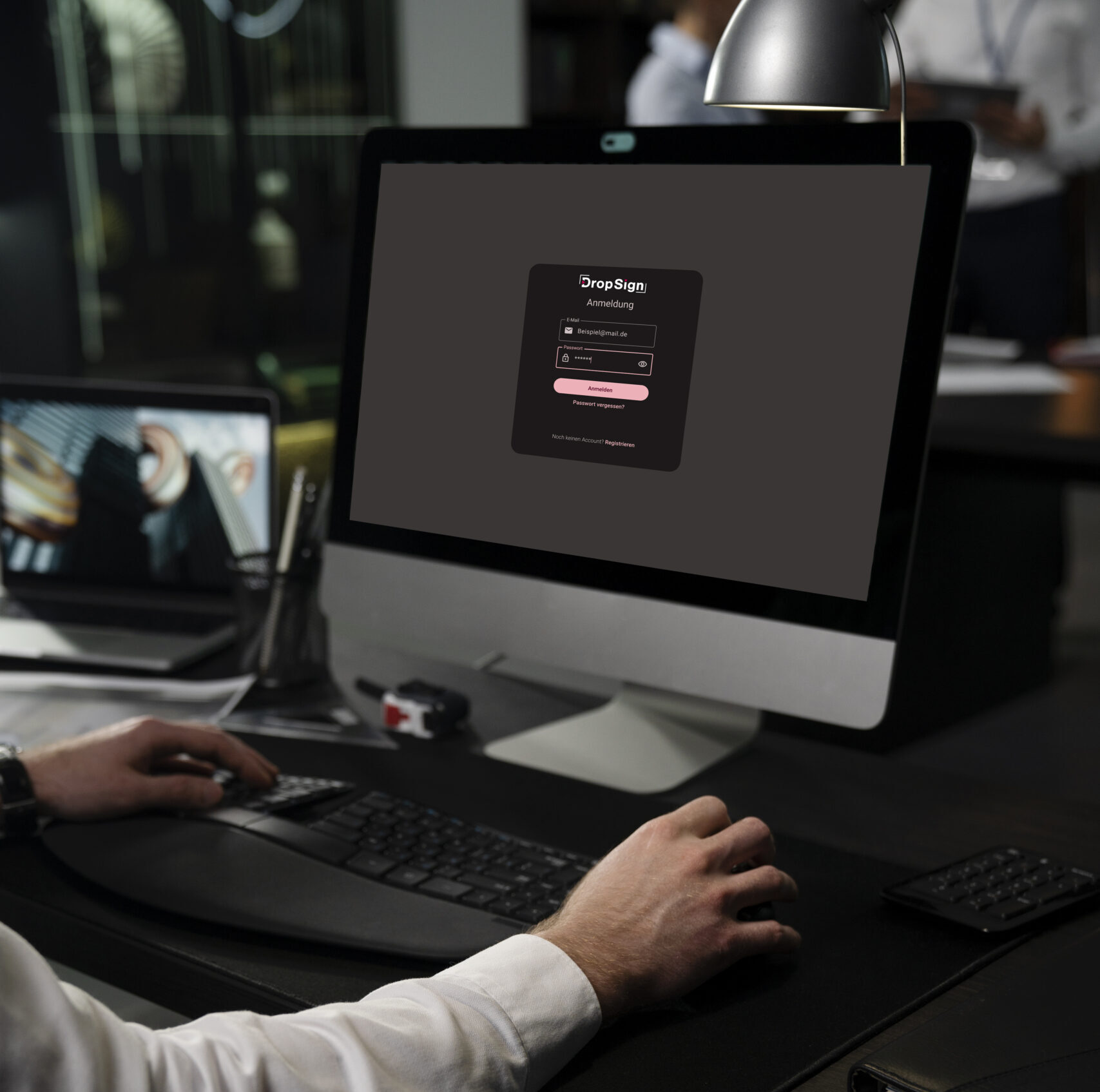
In this section you will learn about the following topics...
Register, log in & reset password
01
02
Enter email.
03
Set password.
04
To use your account, you need to confirm your email address. Check your inbox and click on the confirmation link. Please note that the link is only valid for 24 hours.
Check your email inbox.
01
02
Geben Sie das Kennwort ein, das sie vorher gesetzt haben.
Passwort eingeben.
03
Haben Sie die 2-FA (Zwei-Faktor-Authentisierung) aktiviert (Einstellungen>Konto>Passwort>2FA), erhalten Sie beim Login einen Bestätigungscode in dem Authenticator Ihrer Wahl auf Ihrem zweiten Endgerät. Diesen Code müssen Sie dann beim Login angeben.
Zwei-Faktor-Authentisierung.
01
Rufen Sie die Seite
https://app.dropsign.de/#!/login auf und klicken Sie auf „Passwort vergessen?„. Tragen Sie dann Ihre E-Mail ein, die Sie für die Registrierung verwendet haben. Sie erhalten dann eine E-Mail mit weiteren Anweisungen.
Passwort vergessen?
02
Wollen Sie Ihr Kennwort ändern, können Sie jederzeit ein neues Passwort unter DropSign>Einstellungen>Konto>Passwort setzen.
Passwort ändern.
More topics...


Player setup
In this section you will learn how to create and properly configure a player.
FAQ
What is DropSign?
Who can use DropSign?
What is included in the license?
DropSign Support Center
If you have any questions or need assistance, our support team is happy to help.
You can reach us by email at support@dropsign.de und -
and by phone during our business hours.