

DropSign Release Notes 1.02 – Fair Billing, UI-Upgrade & New Widgets
17. April 2026
|
DropSign
Overview of the Release Notes
Widgets
You can now integrate even more content automatically – including:
Tagesschau
Sportschau Live Info
Custom HTML Widgets
This makes content management even more versatile and up-to-date.
UI optimizations for better overview
-
Improved workflow in content management
New navigation for faster work
New event features
- Touch Events
→ Interactive control for touch displays (menus, buttons, navigation)
Displaying websites – flexible & automated
-
Display HTML web pages permanently
-
or Time-controlled at intervals
→ Ideal for dashboards, news, live data & corporate tools
More topics...
DropSign Release Notes 1.03 – Fair Billing, UI-Upgrade & Adjustments
With our latest update, we’ve optimized both the user experience and billing – making it fairer, more flexible, and significantly more versatile in content delivery. The UI has also been redesigned, and additional features have been added to widgets and events.
DropSign Release Notes 1.01 – New Features & Adjustments
With the latest update, we’ve added numerous features to DropSign that make your work even easier, more flexible, and more efficient. Here’s an overview of the most important new features:
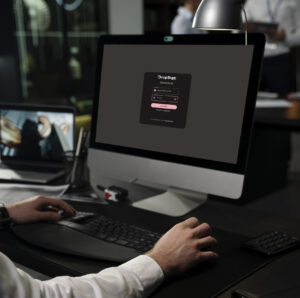
First Steps
In this section you will learn how to register and log in to DropSign, and how to reset your password.
FAQ
What is DropSign?
Who can use DropSign?
What is included in the license?
DropSign Support Center
If you have any questions or need assistance, our support team is happy to help.
You can reach us by email at support@dropsign.de und -
and by phone during our business hours.